InShot Basics Tutorial

By Team Coursemate
Categories: Video Editing
About Course
Learn the fundamentals of video editing with InShot in this easy-to-follow tutorial! Perfect for beginners, this tutorial will guide you through:
- Trimming and merging video clips
- Adding text, stickers, and emojis
- Applying filters and effects for a polished look
- Editing audio and adding background music
- Adjusting aspect ratios for social media platforms
Whether you’re creating content for YouTube, Instagram, or personal projects, this tutorial will help you master the basics of InShot. Start editing like a pro today!
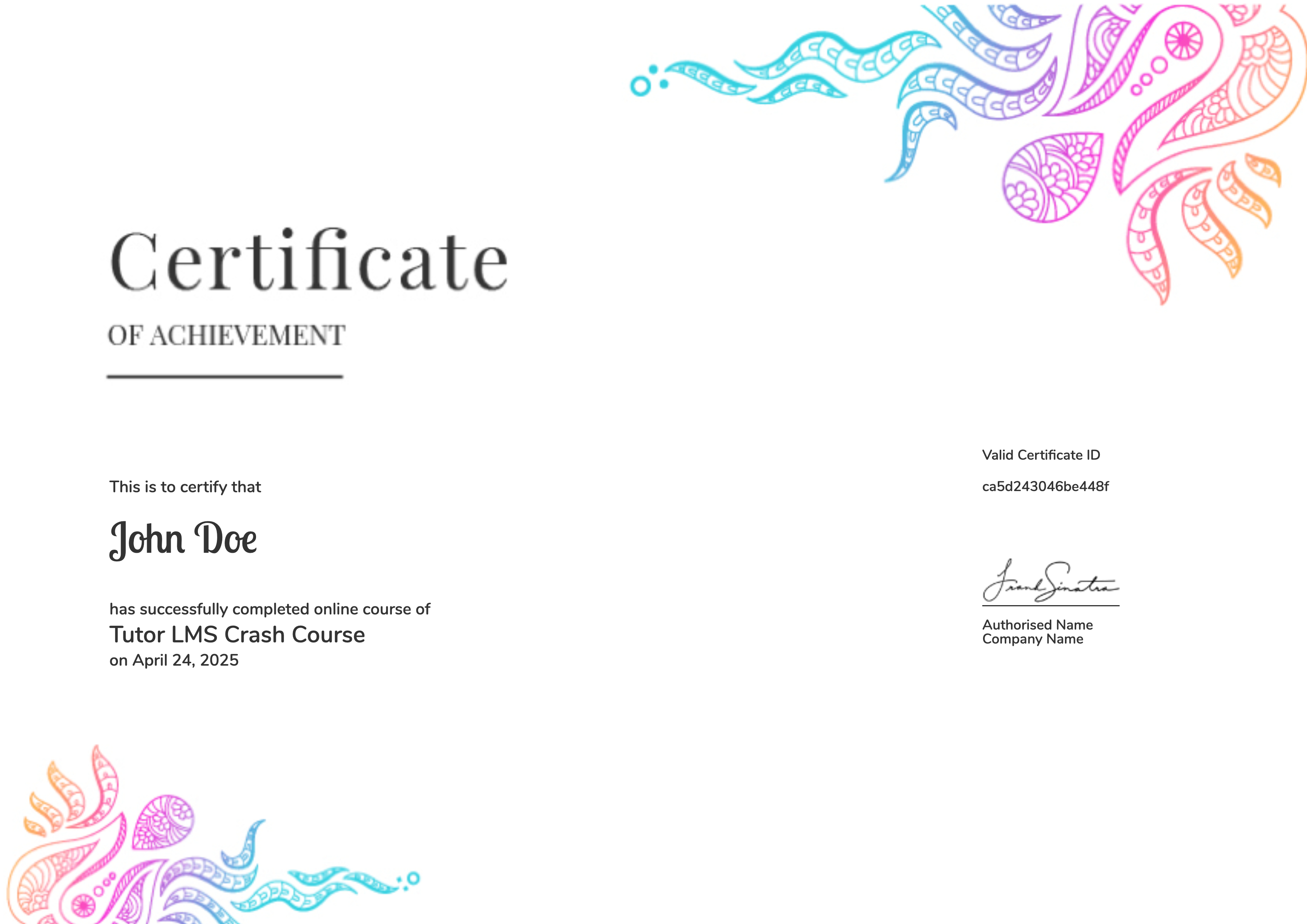
Earn a certificate
Add this certificate to your resume to demonstrate your skills & increase your chances of getting noticed.
Student Ratings & Reviews

No Review Yet
