Kinemaster Basics Tutorial

By Team Coursemate
Categories: Video Editing
About Course
Learn how to master video editing with Kinemaster in this comprehensive tutorial! Whether you’re a beginner or looking to improve your editing skills, this guide covers:
- Trimming and cutting videos
- Adding text, titles, and overlays
- Using transitions and effects
- Audio editing and background music
- Exporting high-quality videos
Perfect for content creators, vloggers, and anyone interested in professional video editing using Kinemaster. Start creating amazing videos today!
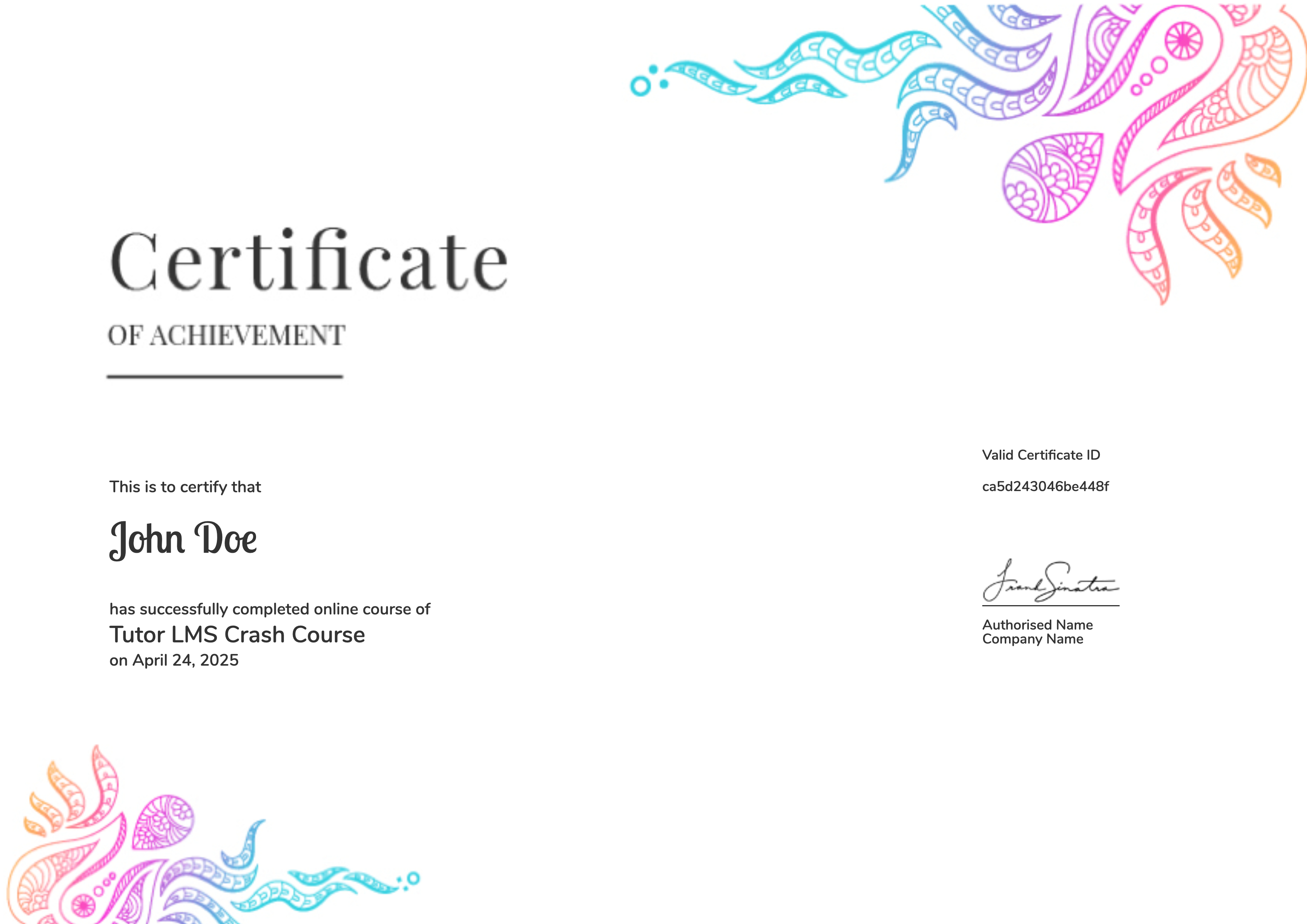
Earn a certificate
Add this certificate to your resume to demonstrate your skills & increase your chances of getting noticed.
Student Ratings & Reviews

No Review Yet
